Overview

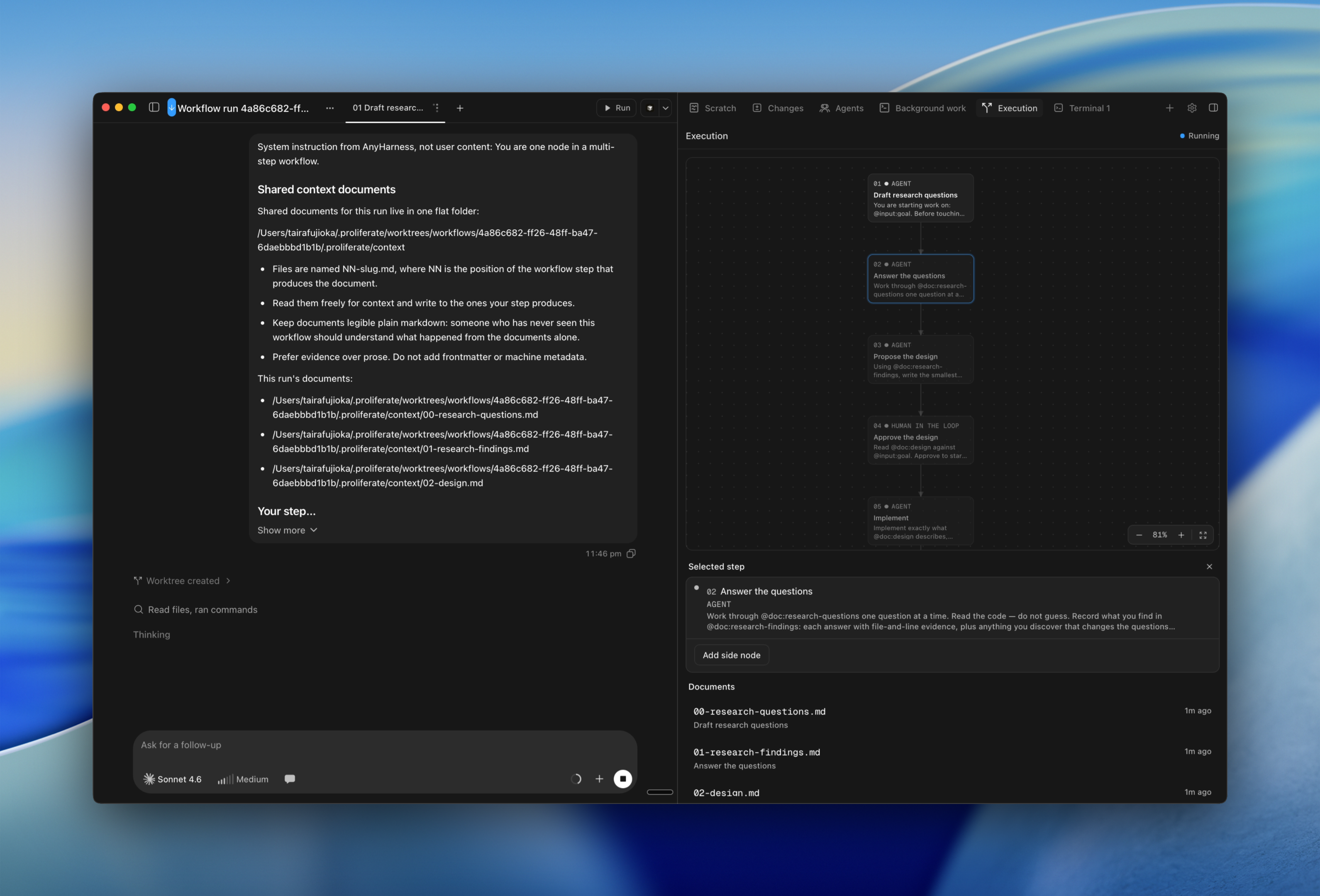
The Proliferate workflow, end to end.

Proliferate works best when each workspace has one clear outcome. The skill isn't using every tool at once, it's picking the smallest one that matches the job in front of you.

The rule of thumb

Use:

  • One workspace for one branch or pull request.
  • Separate workspaces for independent tasks, so they never compete over the same files.
  • The same workspace for follow-ups that should share branch state.
  • Subagents when several agents should collaborate inside the same work context.
  • Automations for recurring or trigger-based work you'd otherwise have to remember to kick off yourself.
  • Cloud when a workspace should keep going after you close your laptop.

Cloud vs. local is a choice you make when you create a workspace, not a switch you flip mid-task. If a local workspace needs to keep running away from your machine, push the branch and open a new cloud workspace against it instead of trying to move the running one.

Parallel work

Parallel agent work is most reliable when tasks don't compete for the same files or product decisions.

Good parallel tasks:

  • Fix independent bugs.
  • Add tests in one area while another agent implements a feature.
  • Explore multiple implementation approaches.
  • Review a diff while another agent continues implementation.

Risky parallel tasks:

  • Multiple agents editing the same files.
  • Large cross-cutting refactors.
  • Database migrations without coordination.
  • Release or infrastructure work without explicit approval.

Review before integration

Treat the branch as the integration unit.

Before merging, review the diff, run relevant checks, resolve comments, and confirm the workspace still has a coherent purpose. A workspace isn't done when the agent stops talking, it's done when you understand exactly what changed and why.

On this page