How Proliferate works
How the pieces of Proliferate fit together.
Proliferate runs coding agents like Claude Code, Codex, OpenCode, and Cursor inside git-backed workspaces, and leaves a diff you review before anything ships. This page is the map; Architecture is the detail.
Workspaces
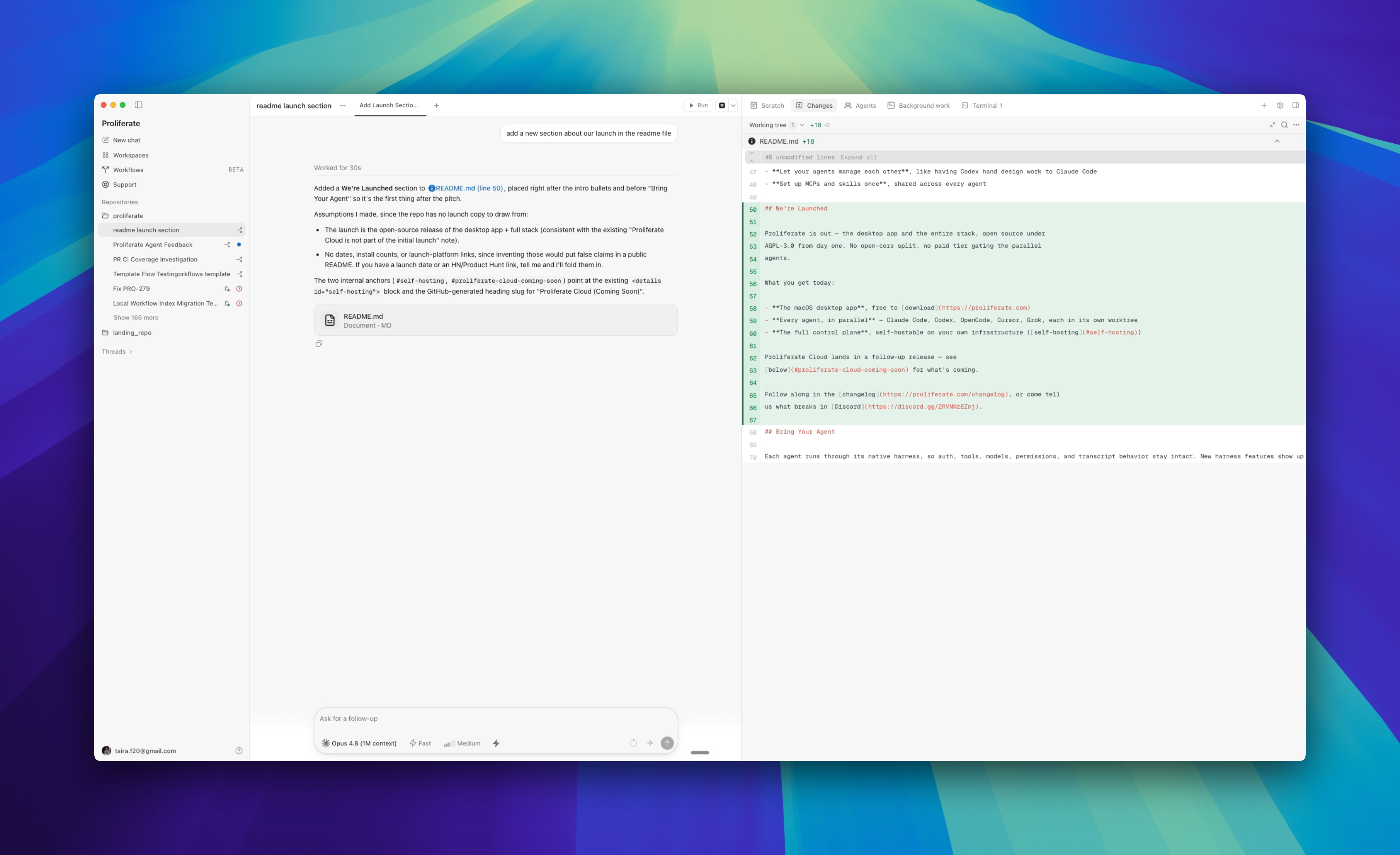
Every task happens in a workspace: one repository and branch, one execution target, and the chat, sessions, and review state that go with them. The files live at that target, either on your machine or in a cloud sandbox, and that is what the agent reads and edits.
Open a workspace, pick an agent and a model, send a prompt. The agent works, streams progress back, and leaves a branch.
Three layers make that work:
| Layer | What it is |
|---|---|
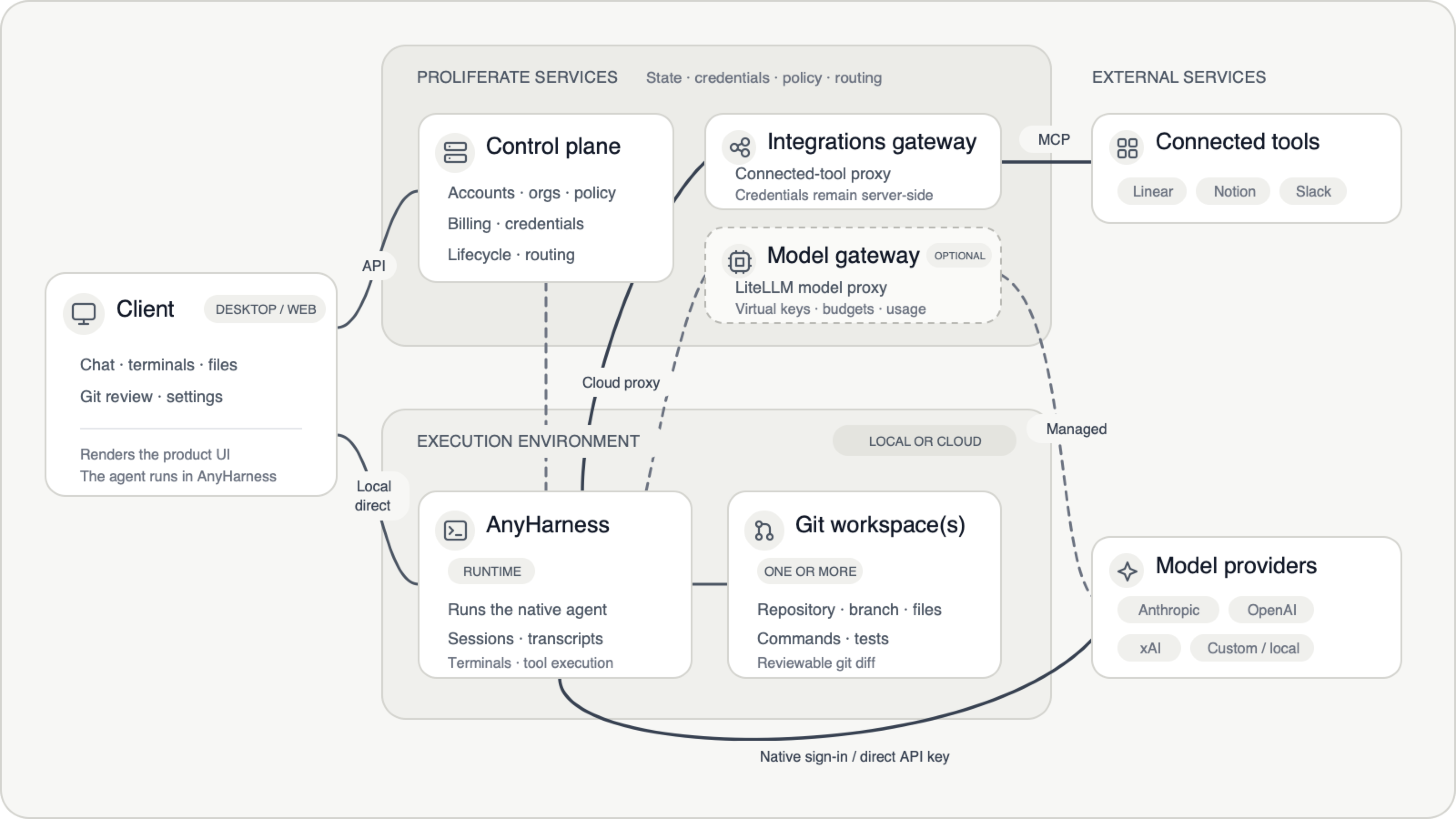
| Client (desktop or web) | The surface you look at: chats, terminals, files, git review, settings. |
| Control plane (server) | Owns product metadata and configuration: accounts, orgs, workspace records, authentication, credentials, billing, integrations, projections, and routing. |
| Runtime (AnyHarness) | Drives the agent on your machine or in a cloud sandbox, and is authoritative for runtime state: sessions, transcripts, terminals, and materialized workspaces. |
Where credentials live
The client never calls a model provider or a third-party tool itself.
Integration credentials stay server-side. The agent reaches Linear, Notion, or Slack through a Proliferate gateway that proxies each call, so it never sees the token. Model auth depends on the route you pick: a native login, your own API key, or the managed gateway. Architecture has the exact split.
Local or cloud, chosen up front
You pick where a workspace runs when you create it: a local checkout, a new worktree, or a cloud sandbox. All three behave the same in chat, terminals, files, and review. They differ in lifecycle, isolation, and which integrations are available.
One local runtime serves all your local workspaces. One per-user sandbox backs all your cloud ones.
Moving work between targets is just git: push the branch, open it somewhere else. See Local & cloud.
Agents run natively
Proliferate does not reimplement Claude Code, Codex, or any other agent. It launches each through its own CLI or protocol, so you get that agent's real behavior. Authentication, models, and permissions therefore vary by agent. See Agents.
Where to go next
Architecture
Every component, the ownership boundaries, and where code executes per target.
Workspaces
Local checkouts, worktrees, and cloud sandboxes in day-to-day use.
Agents
Which coding agents Proliferate runs and how to configure them.
Authentication
How agents pick models and authenticate with providers.