Chats
A chat is one agent session over a workspace's checkout, with its own transcript, model, and permissions.
A chat is one conversation with one agent, running over one workspace's checkout.
What is a chat in Proliferate
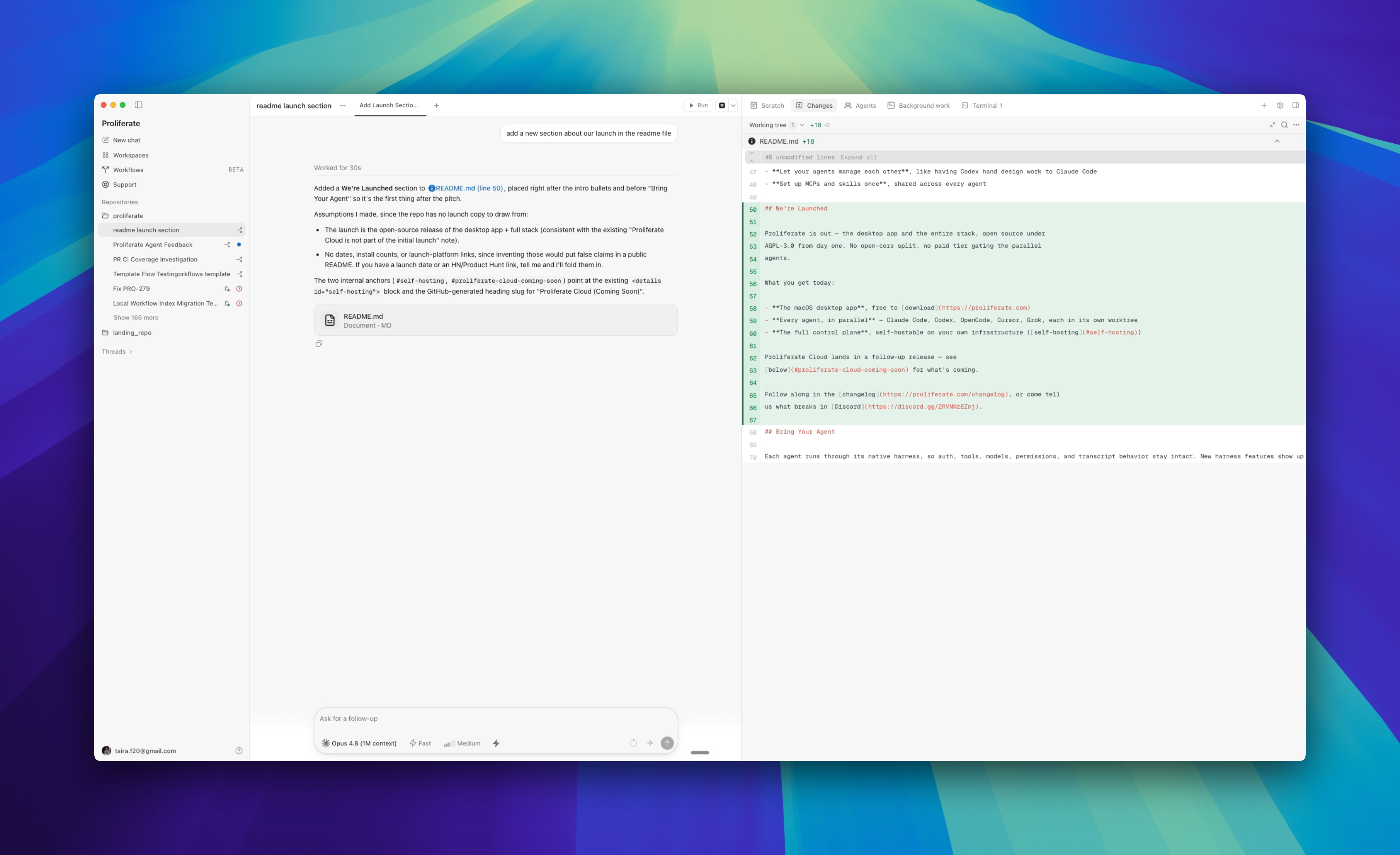
Open a chat, pick an agent and a model, send a prompt. The agent works in the workspace's files, streams its progress into the transcript, and leaves changes you review.
Underneath, a chat is a session: a durable record with an ordered event history, so what you see is a replay of what actually happened rather than a buffer that disappears when you close the tab. The runtime is authoritative for a session's events and transcript, which is why a chat survives a restart, a reconnect, or being opened on another surface.
Using chats vs workspaces
The two are nested, and picking the right one is the same decision as parallel agents, one level down.
| Chat | Workspace | |
|---|---|---|
| What it owns | A transcript, an agent, a model, permissions | A repository, a branch, a checkout |
| How many | Many per workspace | One per stream of work |
| Isolates | Context | Branch and files |
Open a new chat when you want a clean context over the same code. Open a new workspace when the work needs its own branch.
Create a session with a standalone context
Each chat keeps its own transcript, model, and permission setting. Nothing leaks between two chats in the same workspace except the files on disk — which is the point.
That makes a second chat the cheapest way to:
- Ask a question without polluting a long working session's context.
- Restart an approach that went sideways, without losing the transcript that explains why.
- Put a different harness on the same diff for a second opinion.
Two chats in one workspace share a checkout. If both are editing, they can collide on the same files — that is a coordination problem, not a git one.
How permissions are configured for chats
Permissions are per chat, not per workspace, and Proliferate surfaces each harness's own modes as-is rather than inventing a common vocabulary. You choose from the composer, and you can change it mid-session.
| Agent | Modes |
|---|---|
| Claude Code | Default, Accept Edits, Auto, Plan, Don't Ask, Bypass |
| Codex | Read-only, Auto, Full access |
| Cursor | Ask, Plan, Agent |
| OpenCode | Plan, Build |
Which modes appear also depends on the model. Start in a mode with a checkpoint — Plan or Default — and move to a more autonomous one once you trust the direction. What each mode does natively is on that agent's page under Agents.