Turn your SDLC into an agent workflow system
Trusted by engineers at
Give every repetitive engineering workflow an agent lane.
The highest-leverage use cases are background runs with context, guardrails, review state, and a clear owner for the result.
- Launch implementation agents from issues, prompts, schedules, or internal tools.
- Review plans and diffs with reusable reviewer personalities.
Use cases worth standardizing.
The work agents can own across the SDLC.
Frequently asked questions.
Which use case should a team start with?
Start where the workflow already has clear inputs and reviewable outputs: code review, issue triage, maintenance tasks, or small implementation tickets.
Do agents run in the background?
Yes. Proliferate is built for background agent runs with connected environments and output you can inspect later.
Can workflows use internal tools?
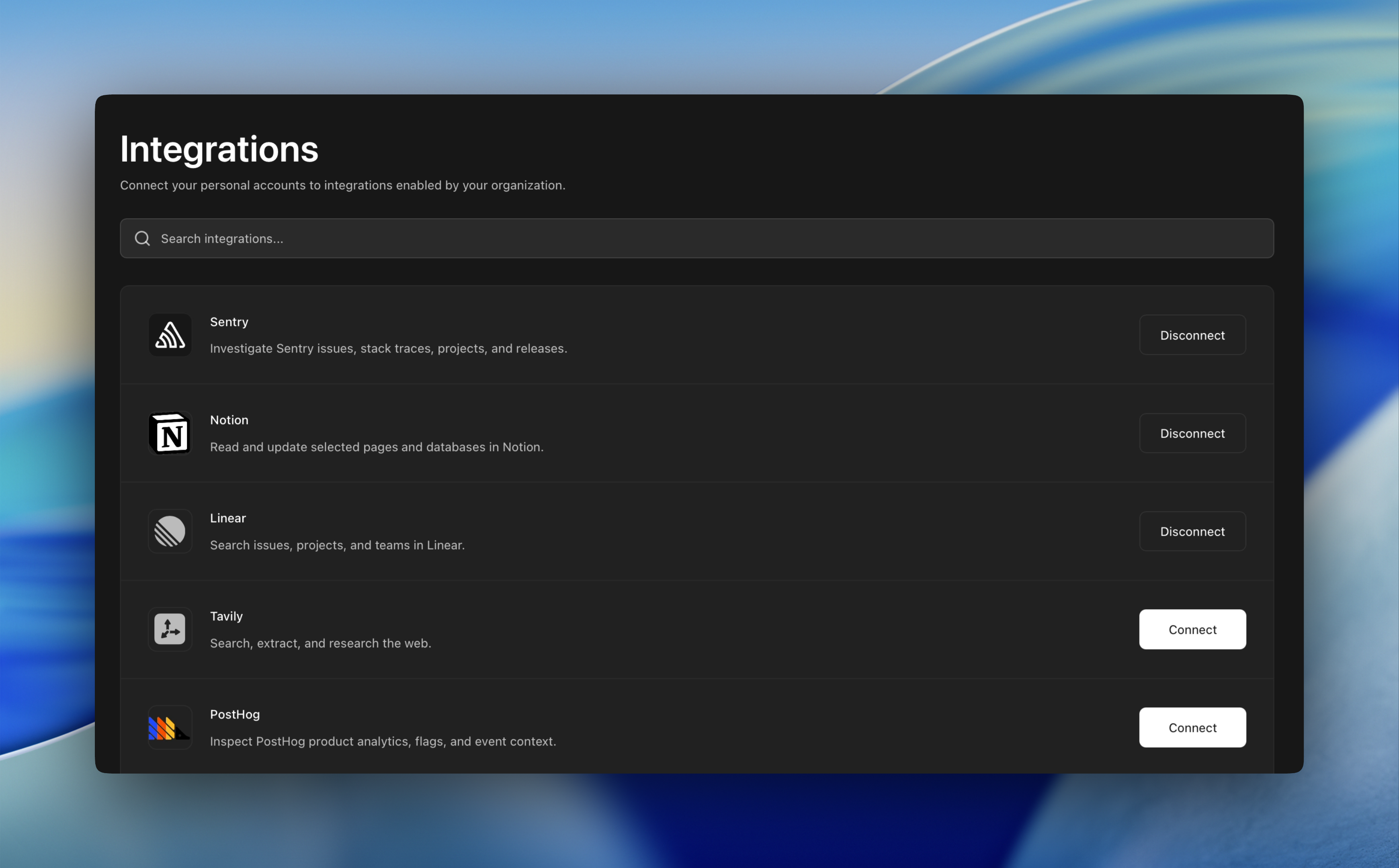
Yes, through approved integrations, MCP servers, CLI access, and runtime policies that constrain what tools agents can reach.
Can this support custom workflows?
That is the point. The platform gives teams primitives for repeatable agent runs, then lets them compose the workflows that match their own SDLC.
The platform underneath.
Self-hosting, environments, agents, security, governance, and APIs.